
AI Headshot Station
One photo, one minute, a LinkedIn-ready headshot
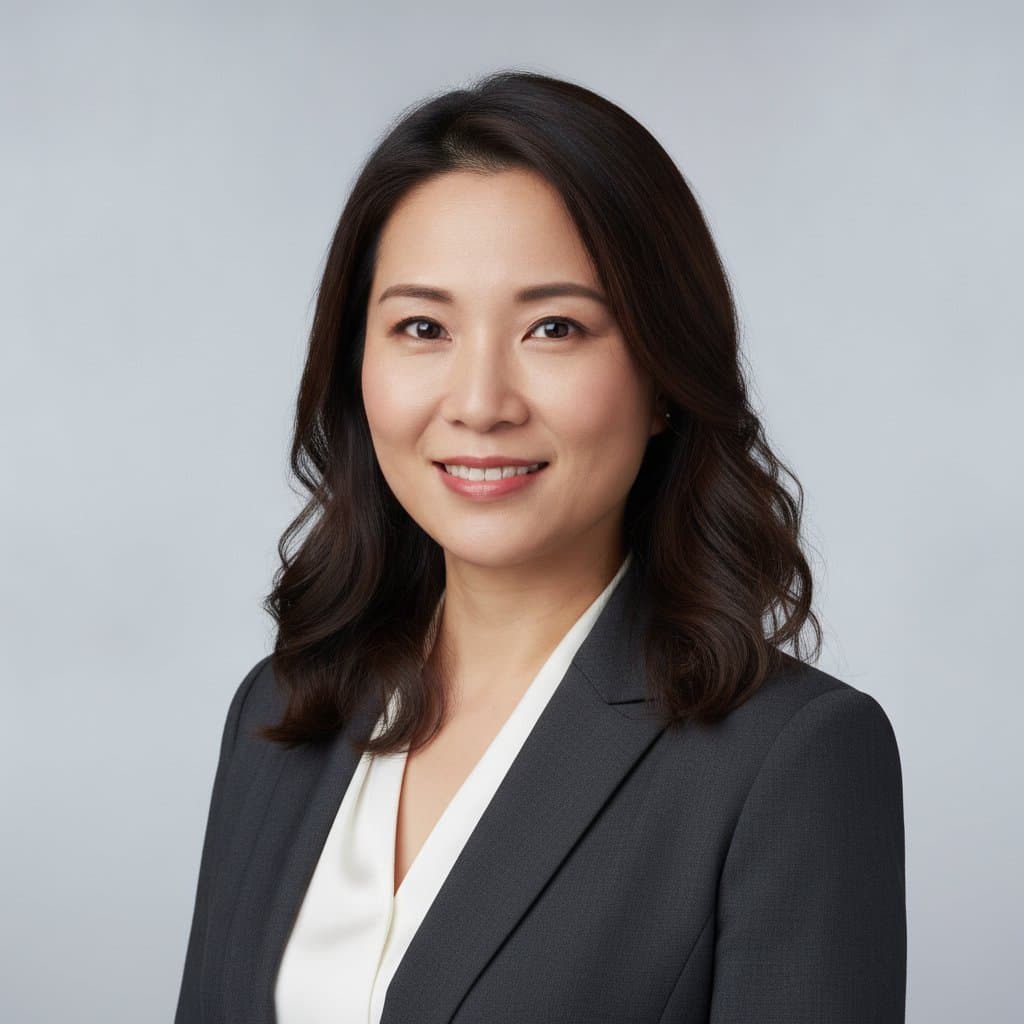
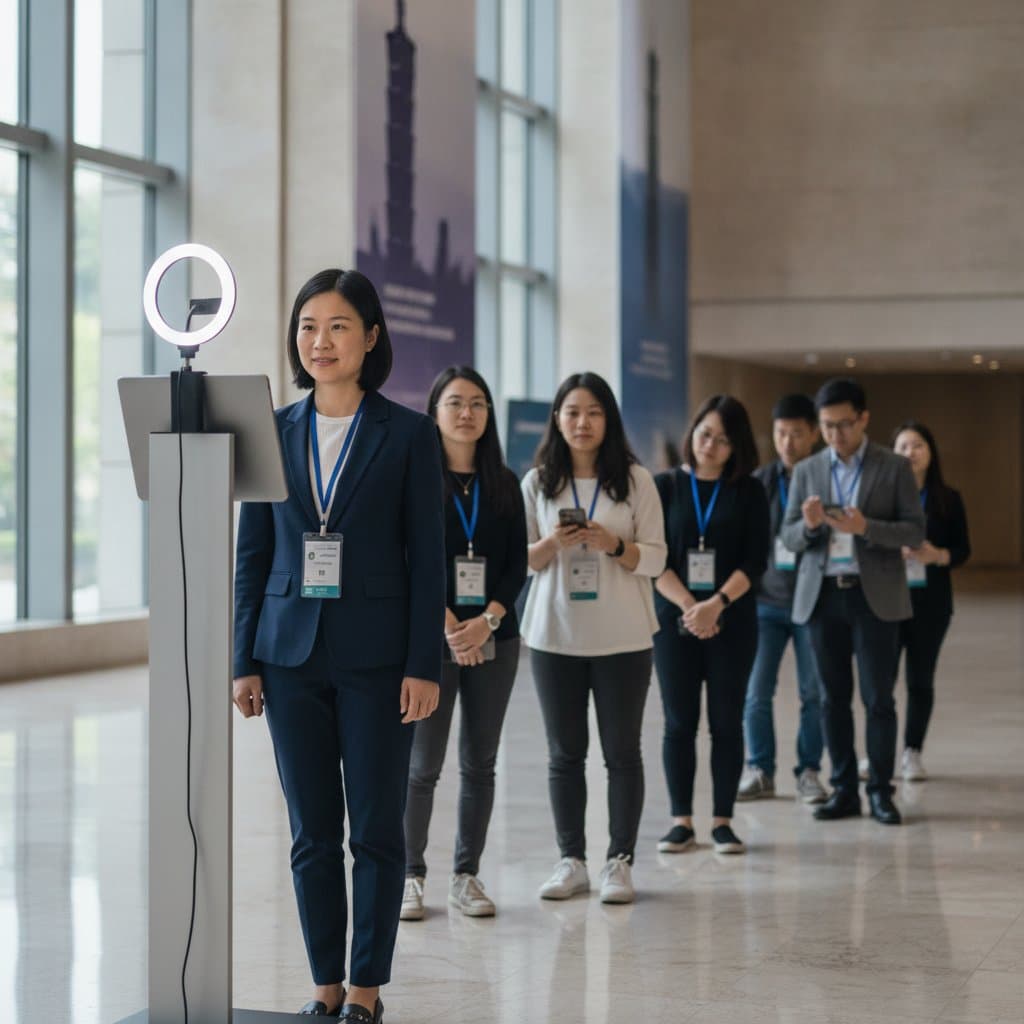
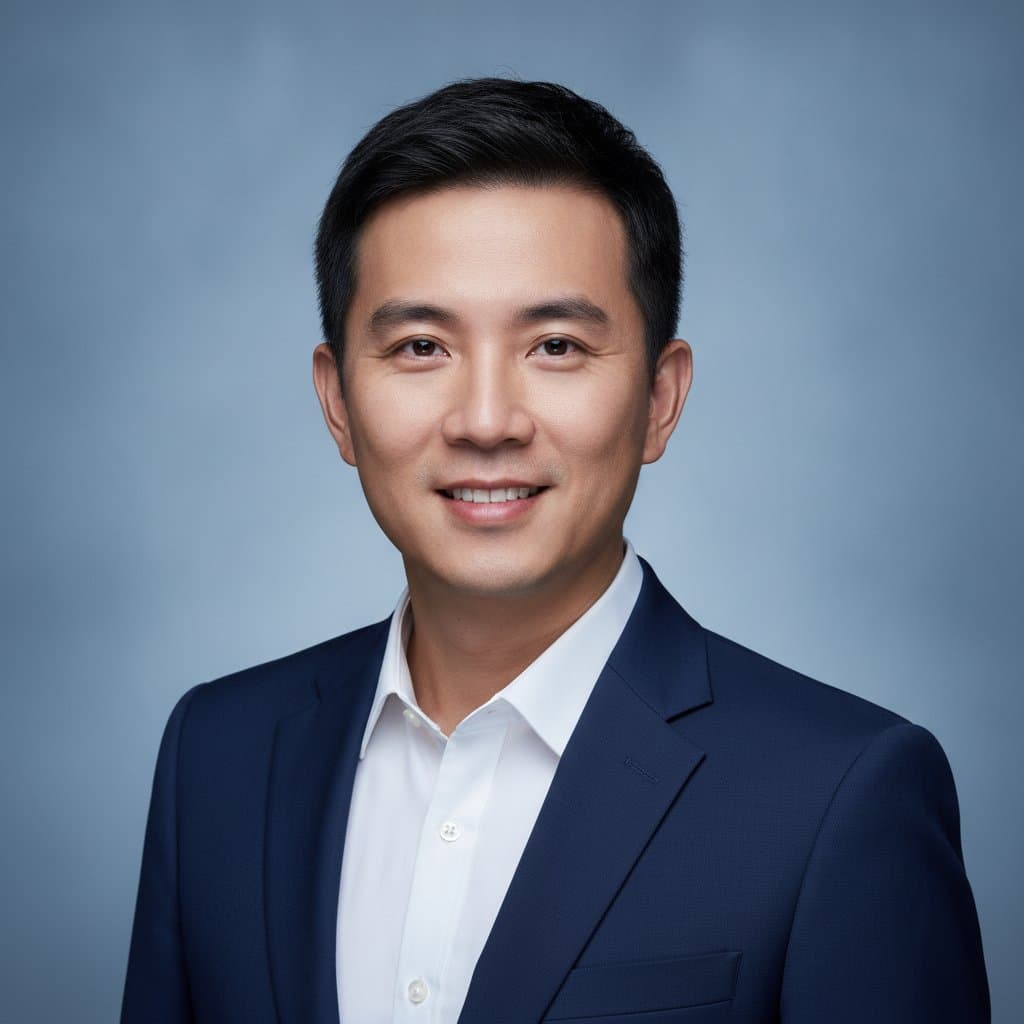
Most people do not own a decent headshot. The AI headshot station fixes that at your event: one photo at the kiosk or on a phone, a uniform studio background and lighting applied by AI while the face stays untouched, and the result delivered to the guest in about a minute. A practical perk for employees and the easiest lead magnet on an expo floor.
- Real face, uniform look — AI only replaces the background and corrects lighting; features and hair stay as they are
- Delivered in a minute — Generated in seconds and sent to the guest by QR code or email, no app needed
- Perk and lead capture — Optional 3–5 pre-photo questions or consent boxes turn the station into a lead magnet
Overview: who it's for & what it solves
The AI headshot station gives every guest a professional, LinkedIn-ready headshot in about a minute: one photo, AI-applied studio background and lighting, real features preserved, delivered by QR code. Ideal for conferences, expo booths, D&D and recruitment events, with optional lead-capture questions. Custom quote.
What is an AI headshot station?
Traditional event headshots need lights, a photographer and days of retouching. The AI headshot station compresses that into a minute: one photo at the kiosk or on the guest's phone, AI background replacement, lighting correction and light retouching, and the result straight to the guest.
Unlike AI costume or caricature booths, the goal is a formal, usable photo: LinkedIn, company directories, staff passes, speaker bios. Organisers choose the background (studio grey, white or brand colour) and output ratio so every headshot from the event matches.
For sponsors and recruiters it is the easiest way to capture qualified leads: a few pre-photo questions or a consent box, and guests happily trade details for a great photo.
AI headshot station specifications
- Capture
- Standing kiosk with ring light (crew assisted) or guest phone via QR code; both can run at once
- AI processing
- Background replacement, lighting correction, light retouching; features and hair preserved
- Backgrounds
- Studio grey, white, brand colours; square or portrait output ratios
- Delivery
- QR code or email to the guest; optional prints; full gallery delivered to the organiser
- Lead capture
- Optional 3–5 questions and consent box before the photo; leads exported after the event
- Space & power
- Kiosk mode about 1.5×1.5 m with a standard socket; phone mode needs no space
- Data
- Only the uploaded photo is processed; not used for model training; retention as agreed
- Pricing
- Custom quote by headcount, hours, mode, backgrounds and prints
AI headshot station FAQ
What HR teams, organisers and recruiters ask most.
Yes. AI only swaps the background and corrects lighting with light retouching; features and hair are preserved and faces are never replaced.
No. Guests can also take the photo on their own phone via QR code; the kiosk adds a ring light and crew guidance for more consistent results.
Yes. Choose from studio grey, white or brand colours, and set the output ratio for a consistent look across the event.
Set 3–5 questions or a consent box before the photo; leads with answers are exported after the event.
No. Only the uploaded photo is processed and the result goes into the event gallery; Pixanity does not train models on event photos.
Service area
Available islandwide in Singapore for convention centres, hotels and offices.
Related services
Give every guest a professional headshot
Tell us the date, headcount and background — we plan the mode, station and questions.
Get a quote